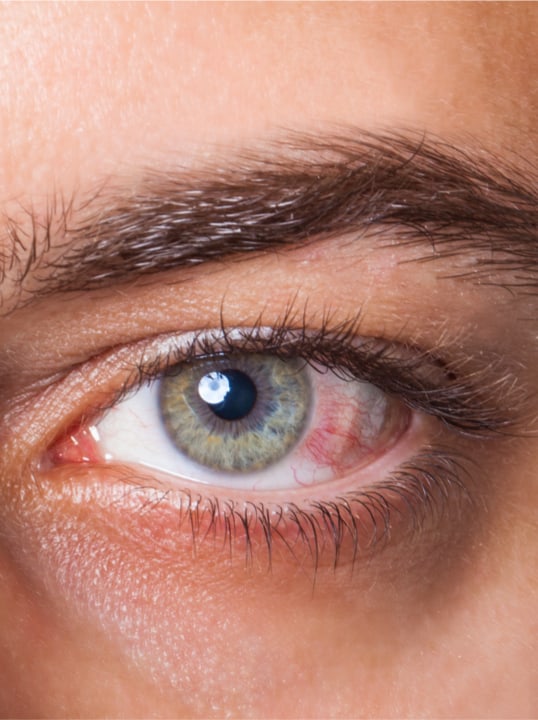
You’ve probably noticed dark mode everywhere, from your phone to your laptop to your favorite apps. This sleek, black background with white text promises to reduce eye strain and help you sleep better. But does switching to dark mode actually protect your eyes?
Dark mode can help reduce eye strain in certain situations, but it’s not always better for your eyes than light mode. The answer depends on your environment, the time of day, and your individual eye health needs. At McCauley Celin Eyecare Associates, our team knows that your visual comfort involves more than just display settings. A comprehensive eye exam can help determine what approach works for your individual screen habits and eye health.
How Dark Mode Affects Your Eyes
When you switch to dark mode, several changes happen that affect how your eyes work. Your pupils dilate slightly to adjust to the darker background, which can make focusing more challenging for some people.
Dark mode helps reduce the amount of blue light emitted by your screen. Blue light can interfere with your sleep cycle, especially when you’re scrolling through your phone before bed. However, the overall brightness reduction matters more than the color change for immediate eye comfort.
The contrast between light text and dark backgrounds can also strain your eyes differently than traditional black text on white backgrounds. Your eyes have to work harder to process this “reverse” contrast, particularly if you have certain vision conditions.
When Dark Mode Helps Your Vision
The Right Times to Use Dark Mode
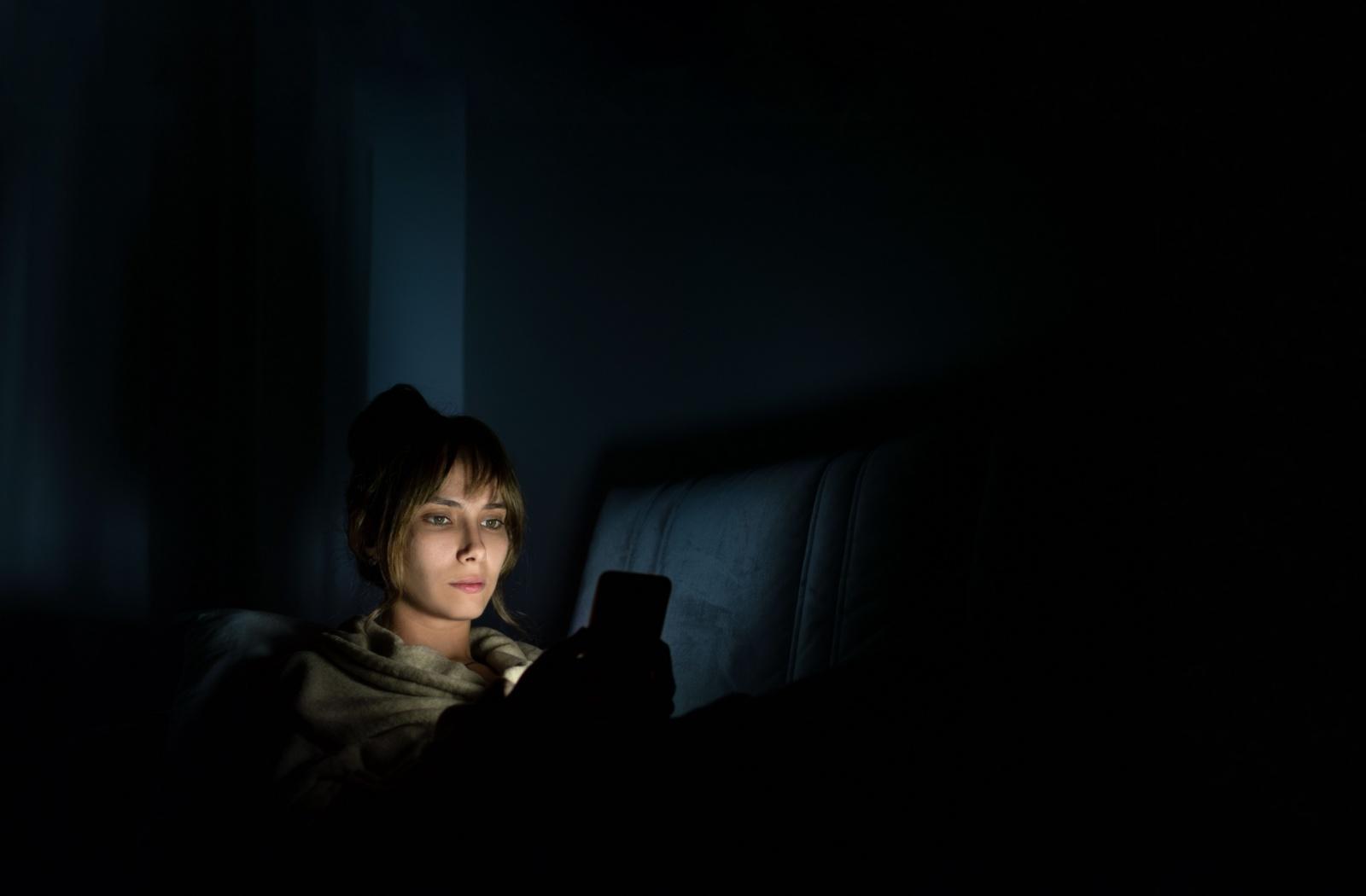
Dark mode works well when you’re using screens in dimly lit rooms or during evening hours. The reduced brightness matches your surroundings better, preventing that harsh glare when you check your phone in a dark bedroom.
You’ll also find dark mode helpful during long reading sessions on your tablet or e-reader. The softer light output can feel more comfortable when you’re absorbed in a book for hours.
People Who Benefit Most
If you’re sensitive to bright lights or experience frequent headaches from screen glare, dark mode might provide relief. People with migraines often find the reduced brightness more tolerable during episodes.
Night shift workers and anyone who regularly uses devices in low-light environments typically experience less eye fatigue with dark mode enabled. The gentler light output helps maintain your natural circadian rhythm when you can’t avoid screen time before sleep. Professional guidance can help you develop personalized screen habits that support your work schedule and visual comfort.
When Light Mode Works Better
Traditional light mode, black text on white backgrounds, often provides clearer readability in bright environments. When you’re working near windows or under office lighting, the white background reduces the contrast between your screen and the surrounding environment.
You’ll read small text more accurately in light mode because your pupils stay smaller, creating a sharper focus. This makes light mode helpful for detailed work, such as editing documents, reviewing spreadsheets, or reading fine print.
Tasks requiring high visual accuracy, such as photo editing or graphic design work, typically benefit from light mode’s consistent brightness and color representation. The 20-20-20 rule, where every 20 minutes spent looking at a screen, you should try to take a 20-second break to look at something 20 feet away, remains important regardless of which display mode you choose for these demanding visual tasks.
Dark Mode and Common Eye Conditions
Astigmatism Considerations
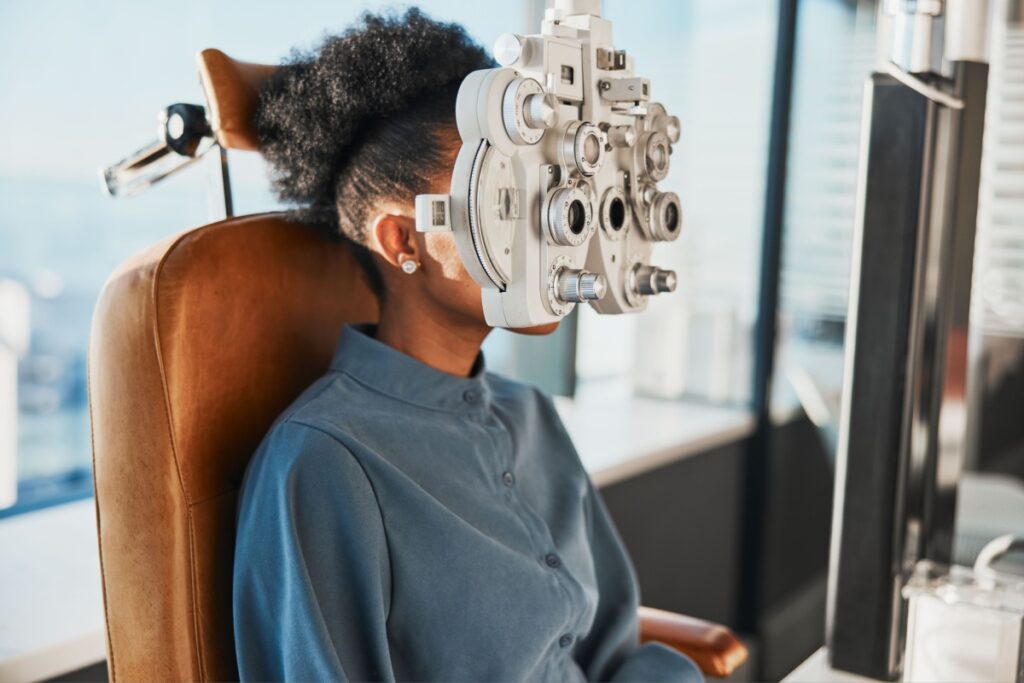
If you have astigmatism, you might notice that white text on dark backgrounds appears to blur or have halos around the letters. This happens because astigmatism affects how your eyes handle contrast and light.
However, everyone’s experience with astigmatism varies. Some people with this condition prefer dark mode, while others find it makes reading more difficult.
Dry Eyes and Screen Time
Screen time naturally reduces your blink rate, whether you’re using dark mode or light mode. When you focus intently on any screen, you blink about one-third as often as normal, leading to dry, irritated eyes.
The display mode you choose matters less than taking regular breaks and maintaining proper lighting around your workspace. Proper room lighting prevents your eyes from constantly adjusting between bright screens and dark surroundings. If you experience persistent dryness, exploring dry eye therapy options can provide lasting relief beyond simple display adjustments.
Making the Right Choice for Your Eyes
Signs You Need Professional Eye Care
Pay attention to persistent symptoms that don’t improve with display adjustments or screen breaks. Regular headaches, especially after computer work, might indicate an underlying vision problem rather than just screen fatigue.
If you notice difficulty focusing when switching between your screen and distant objects, or if text appears consistently blurry regardless of your display settings, these changes warrant professional evaluation.
Healthy Screen Habits
Follow the 20-20-20 rule: every 20 minutes, look at something 20 feet away for 20 seconds. This simple habit relaxes your focusing muscles and encourages natural blinking.
Adjust your screen brightness to match your surroundings rather than sticking rigidly to one mode. Your eyes work well when the contrast between your screen and environment stays relatively balanced throughout the day.
Schedule comprehensive eye exams regularly. A qualified eye care professional can identify vision changes early and recommend personalized strategies for comfortable screen use.
We Can Help
At McCauley Celin Eyecare Associates, our experienced team provides thorough eye exams and personalized care solutions for your digital lifestyle. Whether you’re experiencing screen-related eye strain or need updated vision correction, our comprehensive services support your eye health and visual comfort. Book your appointment today to discuss your screen habits and discover what approach works for your individual needs.